What StockAI is
StockAI learns from your sales history, compares it with what you have on the shelf, and tells you every morning what to order, how much and from which supplier.
On this page
StockAI is a purchasing tool for distributors and wholesalers. It guesses nothing about your business: it forecasts each product's demand from your own sales, compares it with the stock, cost and lead time you record, and turns that comparison into a short list of buying decisions.
How it works, in four steps
- You upload your sales. A CSV or Excel file with date, product and quantity sold, under My sales. See Upload your sales.
- StockAI trains a forecast per product. Several models compete on your history and, for each product, the one whose mistakes cost you least is kept. See How the models compete.
- You complete your inventory. Today's stock, unit cost and lead time, under Set up inventory. See Set up your inventory.
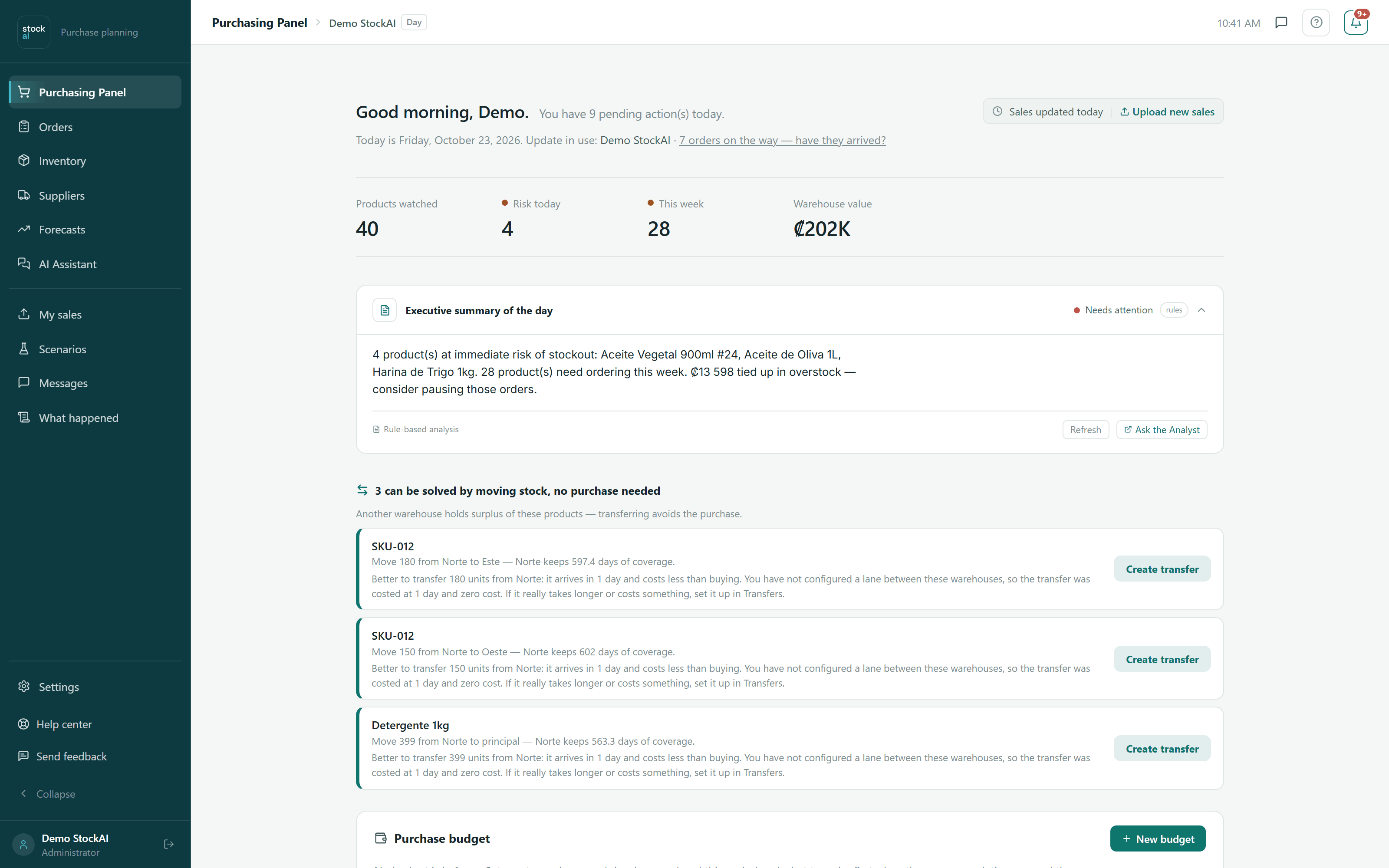
- You read the stock signal and buy. The Purchasing Panel shows what to order today and what this week; you approve, save the order, send it to the supplier and log the arrival. See Your first purchase order.
The stock signal
Every product gets a signal that compares how long your stock will last with how long your supplier takes to deliver:
- Order NOWStock covers less than half the time a new order takes to arrive (factory value, configurable).
- Order soonStock has dropped below your reorder point: order this week.
- OKYou have enough stock; nothing to order yet.
- OverstockYou hold far more than you will sell over several lead times: money sitting still.
- No dataThe product's stock or forecast is missing, so there is nothing to compute with.
The exact rule, and how to change the cut-offs, is in The stock signal.
What StockAI does not do
- It does not invent data. A product with no stock or cost recorded shows as "No data" instead of an assumed zero. With no lead time it uses 15 days and marks it as estimated.
- It does not buy for you. Quantities are suggestions: you approve, change or reject them line by line.
- It does not plug itself into your accounting. Your data comes in as a file (CSV or Excel), as a query to your database, or through the API.
Who it is for
For whoever makes purchasing decisions over a catalogue of tens or thousands of products and several suppliers, and does it in a spreadsheet today. It works on a computer and on a phone, where it can be installed as an app.
Plans and limits
Every account carries the same screens and the same forecasting. What changes between the plans (Free, Pro, Max and Corporate) is how much fits: products, users, warehouses, saved forecasts, API keys and file size. The API, MCP and the WhatsApp bot start on Pro. See Plans and limits.