Customer portal
A private read-only link for a corporate customer: they see their commitments with your company and can tell you they received something or that a date does not work, with no account.
If you sell to corporate customers who order months ahead (demand commitments), you can give them a private link where they see only their own: product, quantity, requested date and status. They never see stock, costs, probabilities, internal notes, warehouses, suppliers or other customers.
Creating the link (you)
Links are created in Inventory, in the «Customer portal» panel. Only analysts and admins can create or change links, and only if their user is not limited to some warehouses (the portal is company-wide).
- Customer
- Pick a customer from the list: it shows those with commitments or contracts on file, with how many commitments each has.
- Page language
- Spanish or English: the language the customer's page opens in.
- Show the dates I promise
- When ticked, the customer sees a commitment's promised date, but only for those with a date set in the link's detail.
- Valid for (days)
- How many days the link works: 90 unless you change it, up to 365.
- Create link
- Creates the link and shows it only once with «Copy link». Copy it and send it to the customer: for security it is not shown again. If you lose it, revoke it and create another.
The «Links» list shows, for each one, when it expires, whether the customer opened it («Last opened: …» or «Not opened yet») and how many answers they left. «Details» shows what the customer sees, their answers, and lets you set each commitment's Promised date (it does not change the commitment's date; it is only what the customer sees). «Revoke» cuts access (answers are kept) and «Reopen» restores it for at least 30 more days.
What the customer sees
- Español / English
- Switches the language on that page only.
- Your orders with {your company}
- The title, with the customer's name below and the explanation «These are your commitments with {your company}, read-only. If something does not match, tell us from here.»
- Each commitment
- Product and code, the status tag (In progress, Delivered or Cancelled), Quantity, Requested date and, if you share it, Promised date.
- I received it
- The customer confirms receipt. It is recorded once; repeating it duplicates nothing.
- The date does not work for me
- Only on commitments in progress. Opens «Tell us which date would work»: a required comment of up to 500 characters, with «Send» and «Cancel».
- Footer
- «Private read-only link. Do not share it.»
- The customer opens the link you sent.
- They review their commitments.
- If they already received something, they press «I received it» and see «Thank you, it was recorded.»
- If a date does not work, they press «The date does not work for me», write which date would work and press «Send»: they see «Thank you, we told {your company}. Nothing changes until they reply.»
If the link does not work
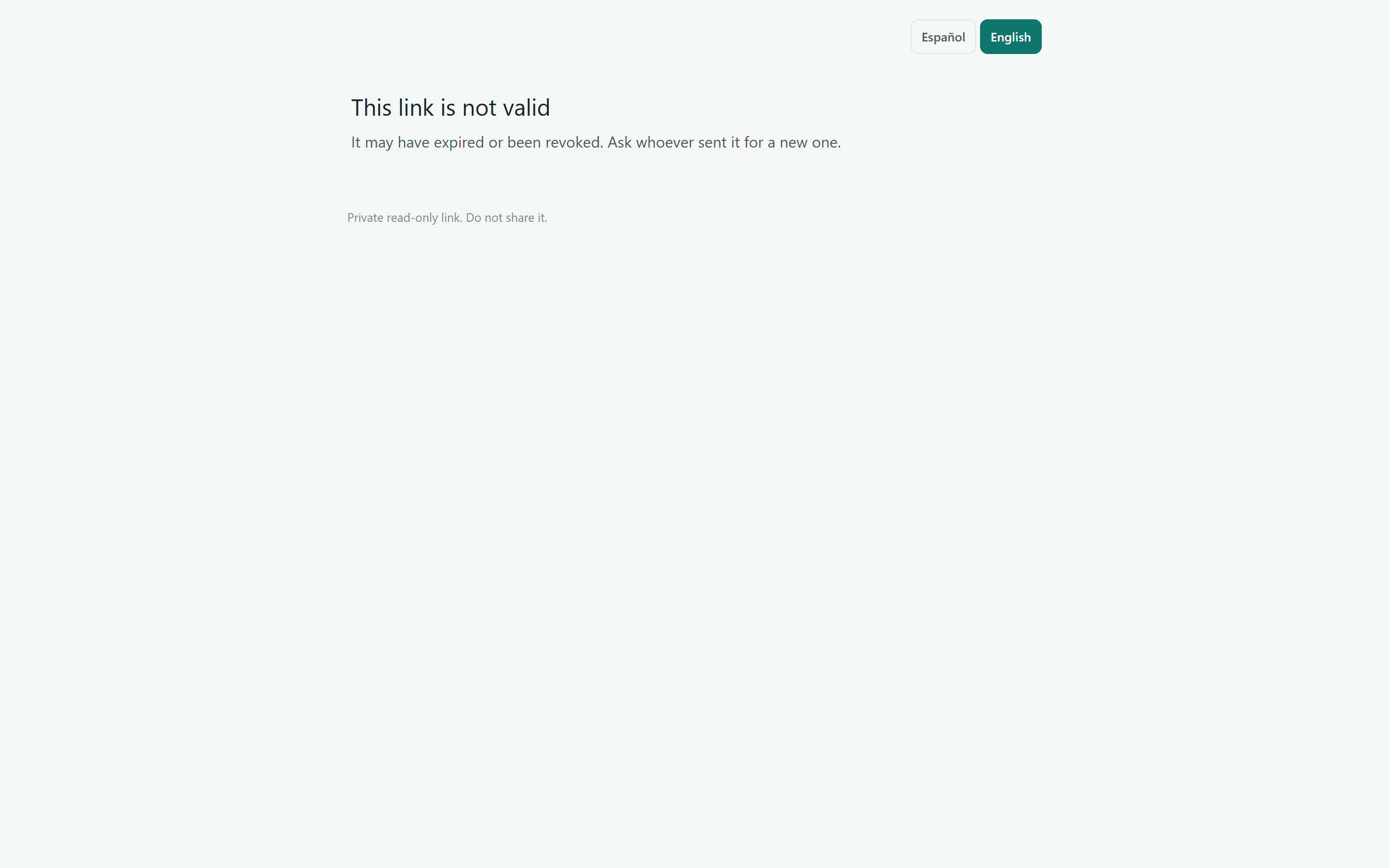
An expired, revoked or mistyped link shows «This link is not valid» («It may have expired or been revoked. Ask whoever sent it for a new one.»). A connection error shows «We could not load the page…» with «Retry». There is a limit on attempts per connection and per link, and of 20 answers per commitment.