Messages, step by step
One-to-one conversations with the people on your team, inside StockAI, with an optional WhatsApp heads-up when you are away.
Messages is in the sidebar and behind the speech-bubble icon in the top bar, which shows how many messages you have unread. Use it to coordinate a purchase with a teammate without leaving the app.
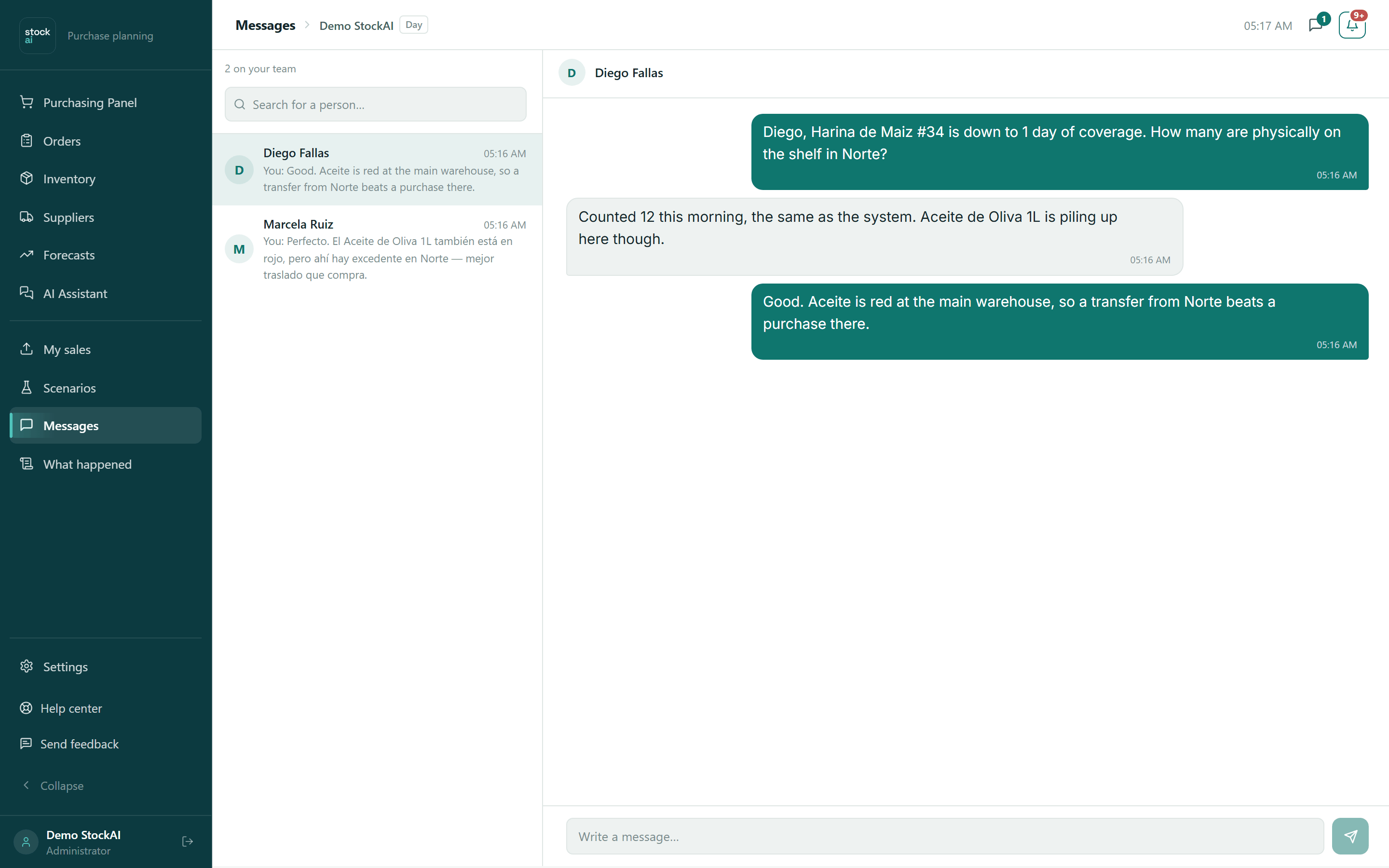
The conversation list
- N on your team
- How many people you can contact.
- Search for a person…
- Filters your conversations by name or email. While you search, "Write to them for the first time" lists teammates you have not talked to yet.
- Each conversation
- The initial, the name, the time of the last message (or the date if it is not today), the last message ("You:" if it is yours) and a circle with the unread count.
With no conversations you see "No conversations yet — Search for a teammate above to write to them". If nobody matches the search: "Nobody matches “…”".
Write to someone
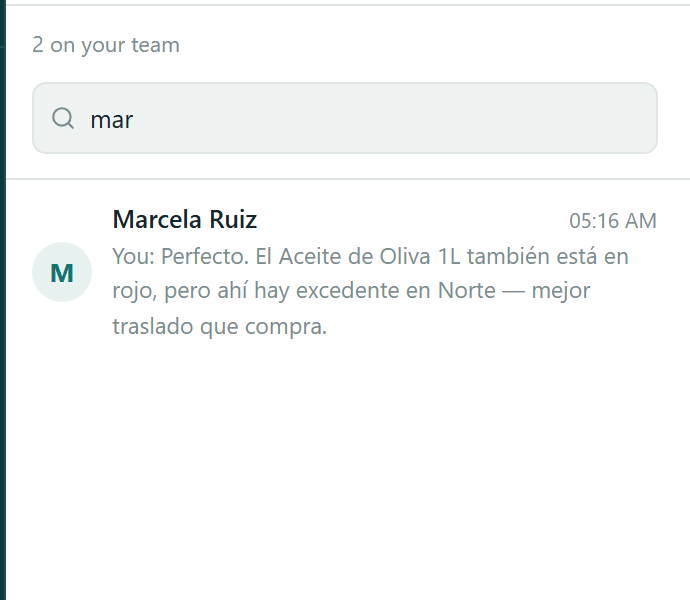
- Type their name or email in "Search for a person…".
- Click the person (in an existing conversation or under "Write to them for the first time").
- The conversation opens on the right; a new one says "This is the start of the conversation".
- Type in "Write a message…" (up to 4,000 characters) and press Enter or the send button.
Your messages sit on the right, in colour; the other person’s on the left. The conversation refreshes by itself every few seconds and the list every 15 seconds. Opening a conversation marks its messages as read.
When you open a conversation, what they sent you is marked as read and the counter disappears, the envelope’s too.
A heads-up when you are away
In My account, "Team messages" has the "Get a heads-up when someone writes to you" switch. With it on and your WhatsApp linked, if someone writes while you are away from StockAI, we notify you on WhatsApp (or by SMS if WhatsApp is unavailable). It is not repeated while you already have messages from that person unread or read less than 10 minutes ago.
On a phone, the list and the conversation take the screen in turns; the arrow goes back to the list.